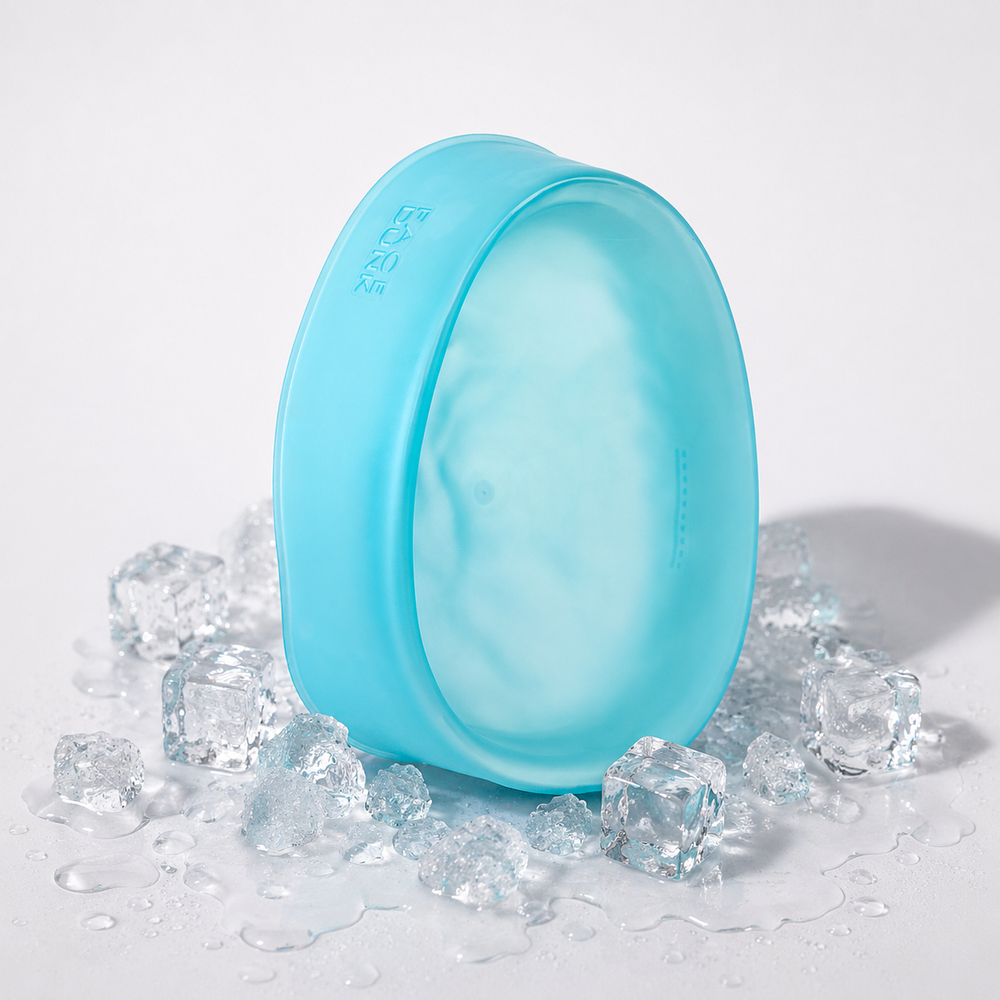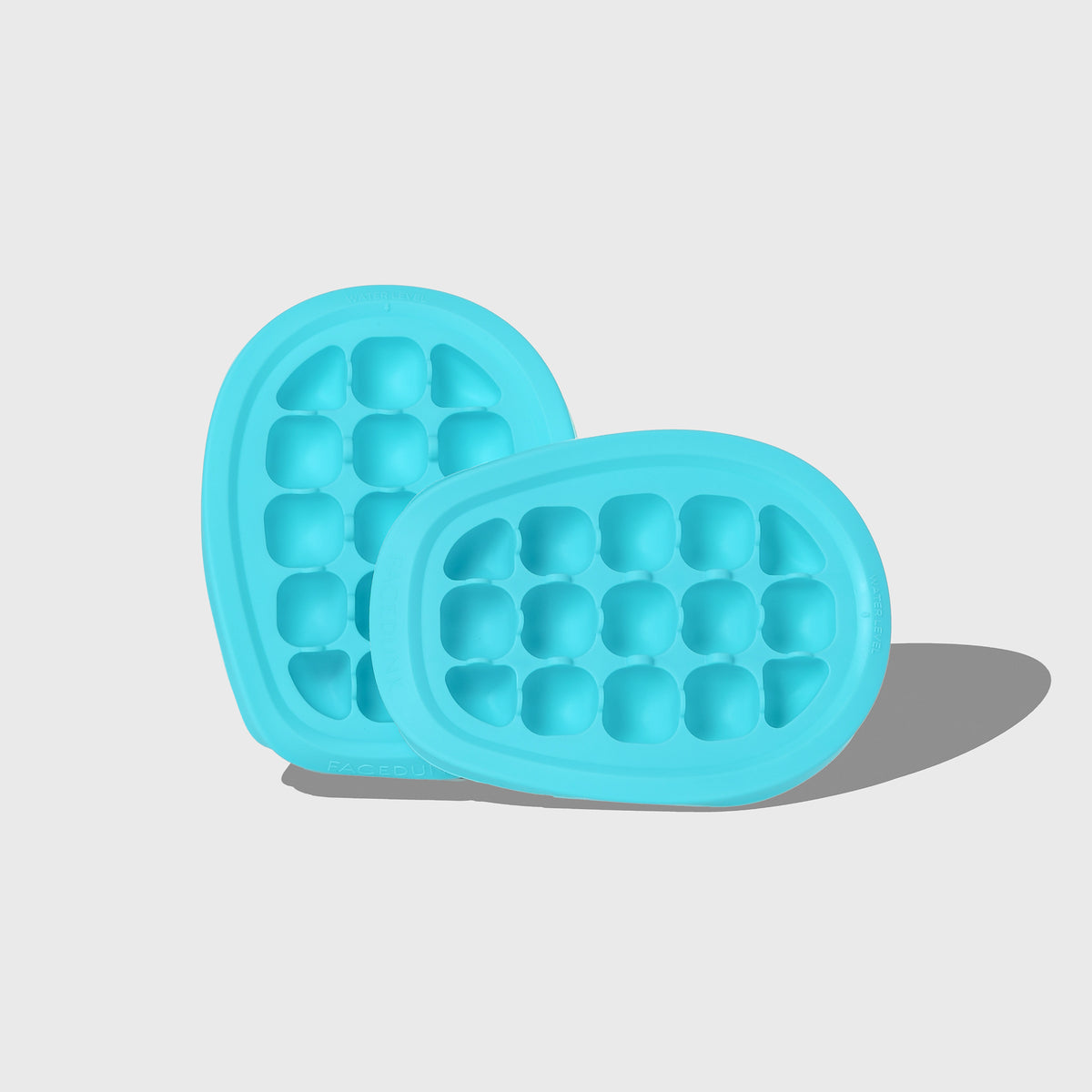
Face Dunk® Ice Tray has been perfectly engineered to provide the optimal amount of ice to water ratio for a perfect ice facial experience.
Combined with the patent designed bowl, and our scientifically developed Glow Drops, Face Dunk delivers skin changing results for that flawless glowing complexion.
Made from soft, flexible BPA-free silicone, this tray is a breeze to use —simply push out the ice cubes without any fuss. It's designed to produce 15 perfectly sized cubes for each ice facial session, making it your go-to tool for the perfect ice facial — safeguarding your skin against the intense cold of regular ice cubes.
It's smart, stackable design maximises both your time and freezer space, ensuring you're always prepped for your next ice facial.
Each tray is constructed from durable, easy-release silicone that's built to last through frequent use. Just remember, it's best to fill it with water only and avoid abrasive cleaners to keep it in peak condition.
PRODUCT CARE
Intended for water use only. Freezer-safe and dishwasher-safe. Avoid abrasive cleaners or scourers and dry thoroughly before storing in the Face Dunk Satin Storage Travel Bag.
HOW TO USE
Fill the ice tray with water to the fill line marked and freeze for around 4 hours, depending on your freezer.
Very easy to use and easy to get out. Love the design also to look like the face
S
Sally M.
Perfect
Easy to fill and empty
Real People. Real Results.
Choosing a selection results in a full page refresh.
Opens in a new window.
Cancellations
Subscriptions
When you purchase a Glow Drops subscription, you'll receive monthly deliveries. Your payment details are stored securely, and you will be charged monthly for each delivery. After the 3-month initial commitment, your subscription will continue on a month-to-month basis. If you choose not to renew after the first 3 months, you can cancel the subscription at any time.
PLEASE NOTE: Your order confirmation email includes the link where you can easily manage your subscription/s.
PayPal Pay Later Messaging
Step 1: Choose message placement
Click the button below and then hover over your page to select a placement.
Step 2: Paste and save
You have copied the placement for the Product Page.
Go back to the App Embeds section, and in the Paypal Advanced Settings, paste the copied value into the
Product Page field and click the 'Save' button in the top right corner.